#ai & tech#note-to-self
I Shipped a Neovim Plugin in Lua. I Don't Know Lua.
The actual workflow: use AI as the Lua specialist, yourself as the architect, and your engineering instincts to catch what the AI can't.
I don’t know Lua. I’ve never written it, never studied it, don’t have the interpreter installed.
Over a single weekend, I shipped a Neovim plugin with over 2,800 lines of Lua code, 89% test coverage, and a feature set I’m actually proud of. It’s called hexwitch.nvim — it generates your editor’s colorscheme from plain English.
This is the workflow I used. Not a story, not a hot take — a methodology I think you can replicate if you have a few years of engineering behind you. The “years of engineering” part matters, and I’ll explain why at the end.
Step 1: Design before you delegate
Before any code, I spent a few hours with Claude just talking through the idea. Not prompting for output — treating it as a product collaborator. I threw out half-formed ideas; it reflected back refined ones. We argued about features, user flows, what would actually be useful versus what would be cool to demo.
What started as “generate a theme from a prompt” evolved into something more considered:
- Generate from a prompt, obviously.
- Refine existing themes — the real use case once the novelty wears off.
- Save and manage a library of what you’ve made.
- Browse with a Telescope UI, not filename memorization.
- Multiple AI provider support, so you’re not locked in.
This step sounds optional. It isn’t. AI is dramatically better at building something when the problem is well-specified. A vague brief produces vague code. Spending two hours on product design saved me a weekend of rework.
The output of this phase should be a feature list and a rough module breakdown — not prose, something structural. That becomes your delegation map.
Step 2: Delegate module by module, not project by project
This is the part that looks like magic but is really just discipline.
I opened a fresh conversation and worked through the plugin module by module — 15 to 20 small, focused sessions. Each one had a narrow scope: one module, clear inputs and outputs, explicit constraints.
The prompting pattern that worked:
“Build me a storage module. Save themes as JSON to
~/.config/nvim/hexwitch/. Give mesave_theme(name, data)andload_theme(name). Sanitize the theme name before writing to disk — no path traversal, alphanumeric and hyphens only.”
Claude returned a clean Lua module. I ran a quick sanity check, confirmed the interface, moved on.
“Now build a UI on top of that. Use Telescope to browse saved themes. Show name and a preview of the color palette.”
And so on: AI provider module, theme applier, command registration, undo/redo history. Each piece in its own sandbox.
Why this works: small scoped tasks produce better code than large ones. The AI isn’t context-managing across 2,800 lines — it’s solving one well-defined problem at a time. You’re doing the context management. That’s the architectural work, and it’s where your experience is the actual input.
After a weekend of this, I had a pile of working modules and could stitch them together into something functional.
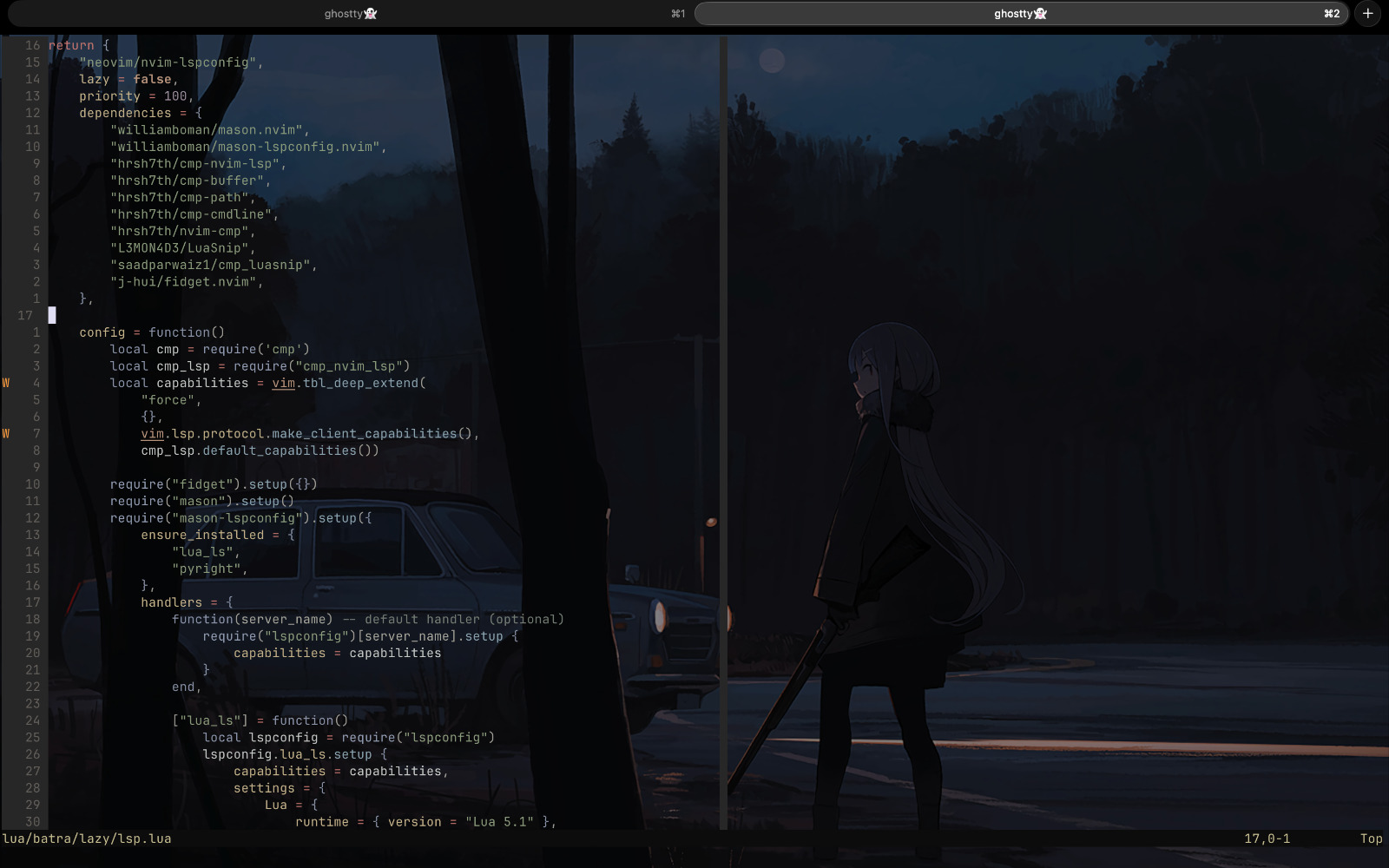
Generating a theme from scratch. The core feature, working.
Step 3: The security audit is not optional
This is where most vibe-coding write-ups stop, and it’s exactly where they shouldn’t.
A functional prototype is not a safe product. I put hexwitch through a rigorous security audit and found what I expected: the AI-generated code was architecturally coherent and security-naive by default. It builds things that work; it doesn’t have intuitions about what can go wrong.
Here’s what I found and fixed, line by line:
Command injection. The AI built system calls by concatenating strings. A theme name with shell metacharacters could execute arbitrary commands. Fixed by replacing string concatenation with parameterized calls.
Path traversal. Theme name sanitization wasn’t strict enough — ../../.ssh/authorized_keys as a theme name would write wherever you pointed it. Fixed by enforcing alphanumeric-and-hyphens-only validation before any file operation.
Malformed theme data. The plugin applied whatever the AI returned without validating the structure. A malformed theme could crash the editor or, in worse scenarios, overwrite config files. Fixed with a strict schema validation layer before any theme gets applied.
API key leakage. The AI was logging the full API key in debug output. Every debug session would have exposed credentials. Scrubbed all logging to ensure no secrets appeared in any output path.
| Issue | AI-Generated | After Audit | Status |
|---|---|---|---|
| Command Injection | ❌ Wide Open | ✅ Parameterized | Fixed |
| Path Traversal | ❌ Vulnerable | ✅ Sanitized | Fixed |
| Theme Validation | ❌ Blind trust | ✅ Schema validation | Added |
| API Key Exposure | ❌ Leaking | ✅ Scrubbed | Fixed |
| Security Tests | ❌ None | ✅ Full coverage | Added |
None of these are exotic vulnerabilities. They’re the standard things a senior engineer checks during code review — command injection, path traversal, input validation, secret handling. The AI didn’t miss them because it’s bad at security; it missed them because generating functional code and auditing for failure modes are different cognitive tasks.
The full feature set
After the audit I was confident enough to ship.
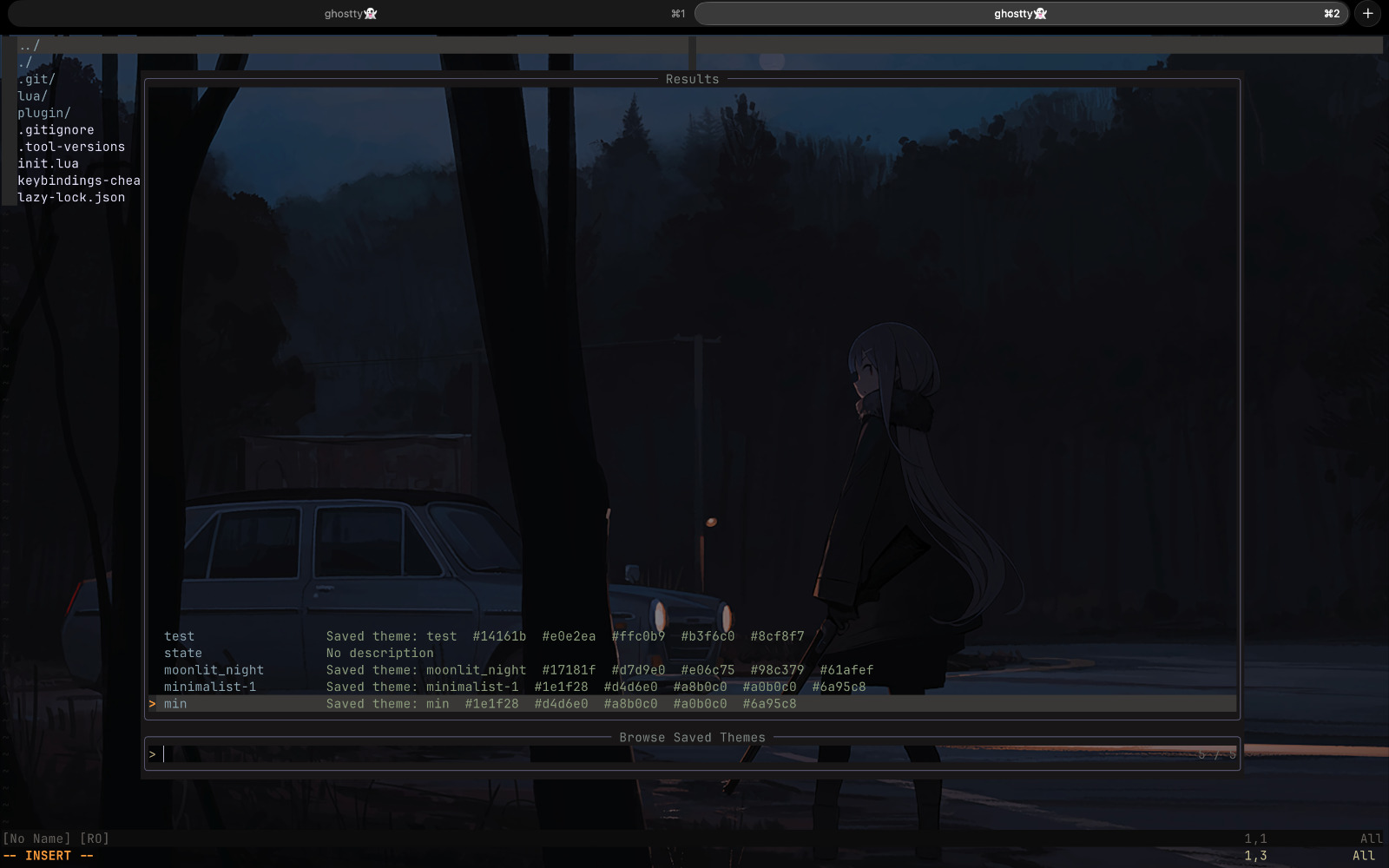
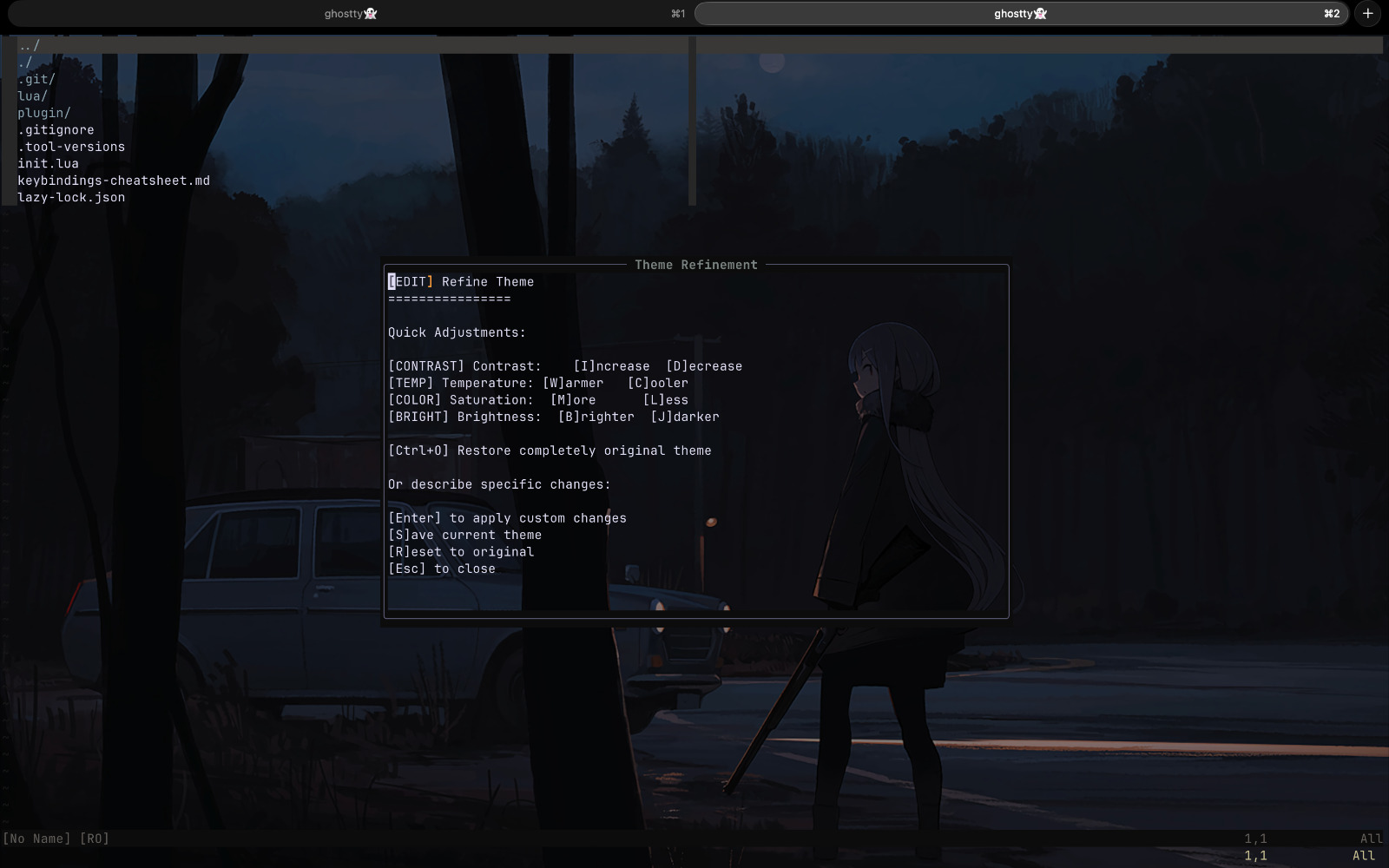
:Hexwitch "a moody sci-fi theme with neon green accents"— generate from plain English:Hexwitch refine— iterate on the current theme without starting over- Telescope browser — search, preview, and apply saved themes
-- With lazy.nvim
{
  "parthbatra99/hexwitch.nvim",
  dependencies = {
    "nvim-lua/plenary.nvim",
    "nvim-telescope/telescope.nvim",
  },
  config = function()
    require("hexwitch").setup({
      ai_provider = "openrouter",
      model = "anthropic/claude-3-haiku",
    })
  end,
}
The workflow distilled
If you want to try this on something you’re building:
- Specify before you prompt. Get to a module map and a feature list before touching a code conversation. The quality difference is real.
- One module per session. Keep scope narrow. Explicit interfaces, explicit constraints. You manage the context across sessions; AI manages the code within each one.
- Audit like a senior engineer, not a user. Run through OWASP Top 10 for anything that touches files, processes, network, or secrets. The AI won’t catch these; that’s your job.
- Know what you’re delegating the syntax of. This workflow works because I understand how systems fail, how to structure programs, and what questions to ask during a security review. None of that came from knowing Lua. But all of it was necessary.
The thing that surprised me most: the security audit, the architectural decisions, knowing what to ask for at each step — none of it required Lua. Years of shipping things that broke at inconvenient times had taught me something more transferable than syntax.
That’s what I was actually delegating when I handed the code generation to the AI. Not my engineering judgment — just the part where you turn that judgment into the specific characters a compiler wants.
hexwitch.nvim is on GitHub if you want to look at what came out the other side.